Replace Color in Image Online for Free
Easily replace colors in images online for free with Fotor’s AI color replacer. Instantly replace the colors of backgrounds, portraits, old photos, logos, and more. Try a powerful image color switch and replacement now.
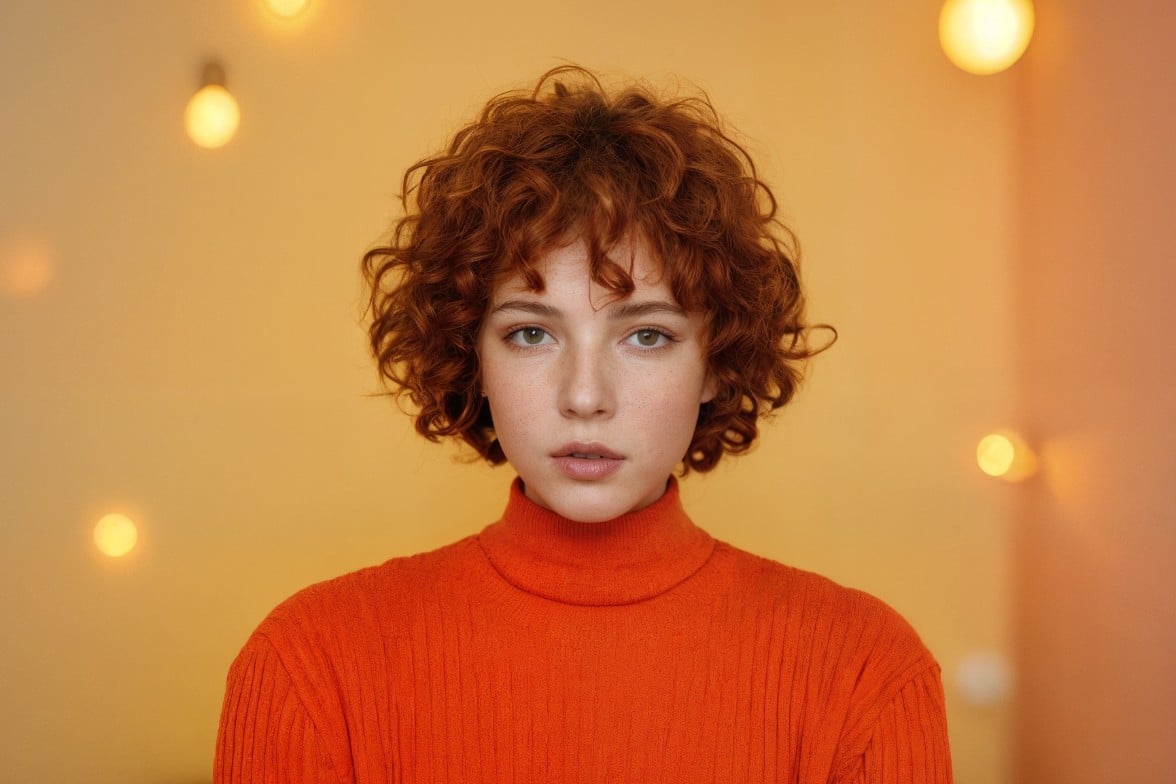
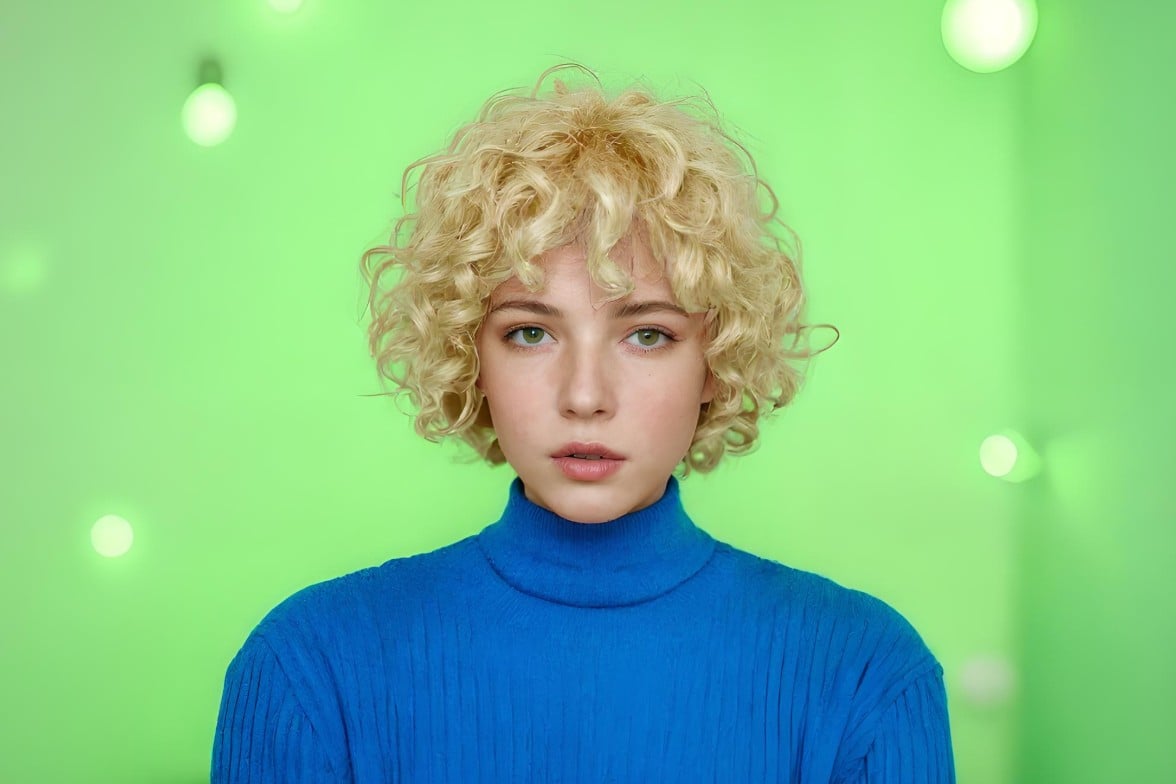
Drag image here or click to upload
Drag image here or click to upload


How to Use Fotor’s AI Color Replacer?
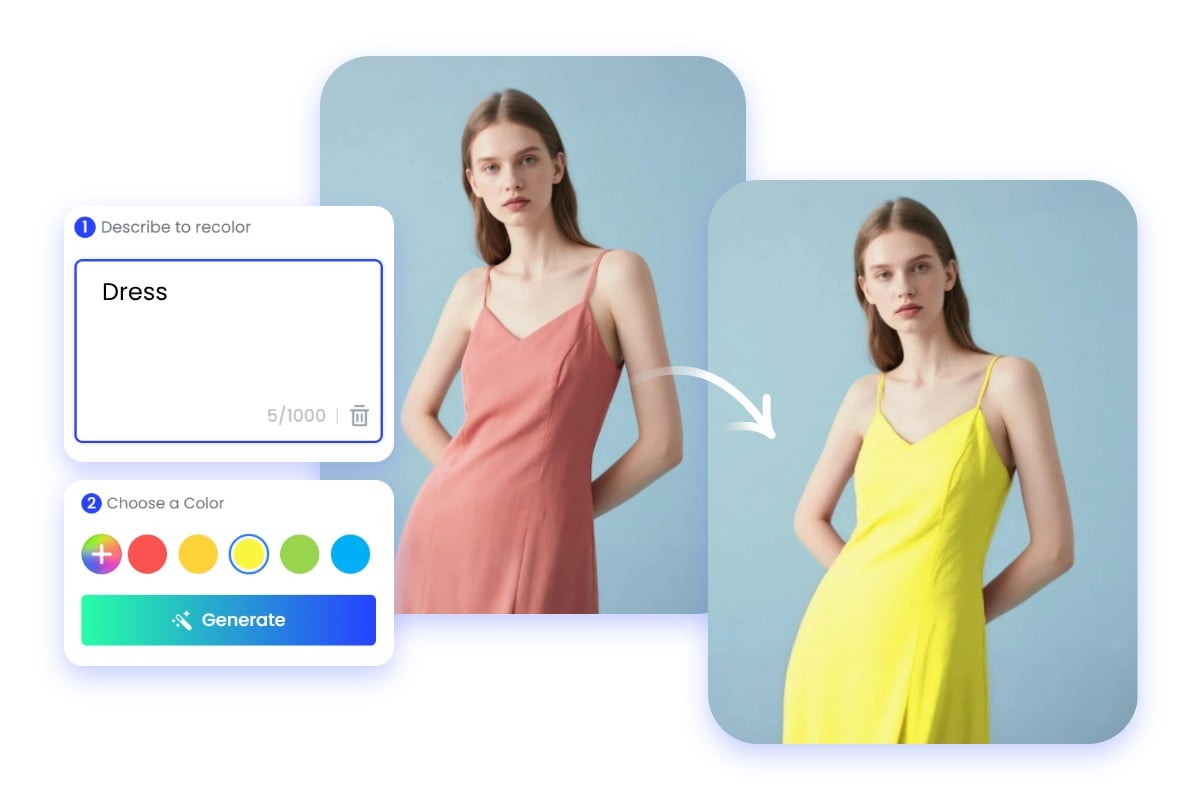
- Upload the image you want to replace the color of to our AI color replacer.
- Enter a text description of the area you want to recolor, or select our quick options, which will automatically fill in the corresponding prompts.
- Select your target color from the built-in color palette, or enter color parameters for a custom replacement.
- Click “Generate” to instantly replace the colors in your image.
- Once you are satisfied with the result, you can continue editing your image or download it in high quality as a JPG or PNG.
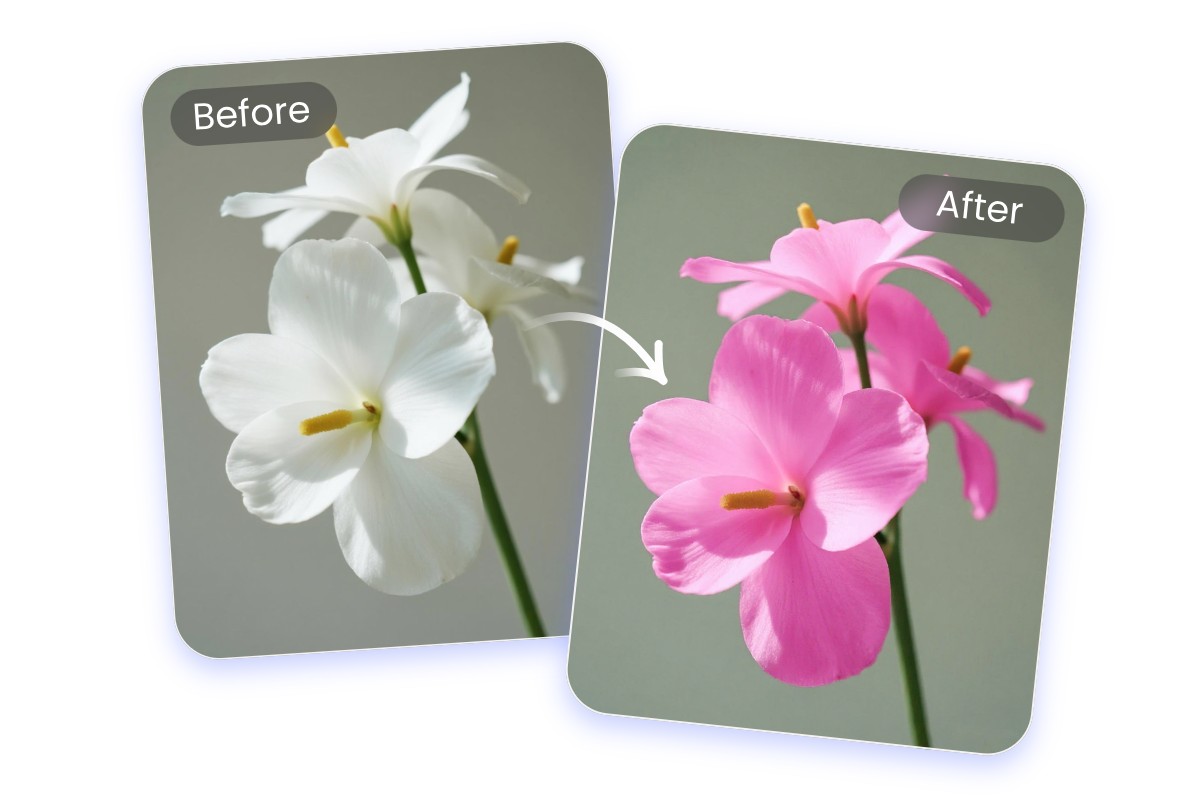
Easily Replace the Colors in Your Image
Are you dissatisfied with the colors in certain parts of your image? With our AI image color replacer, you don’t need to retake photos. You can freely replace the color of any area in your image. Simply upload your image, enter the text box the part you want to recolor (such as hair, clothes, etc.), and then select your desired color. Our AI will intelligently recognize the content and details in your image and automatically replace the colors for you. Changing image colors has never been this easy.
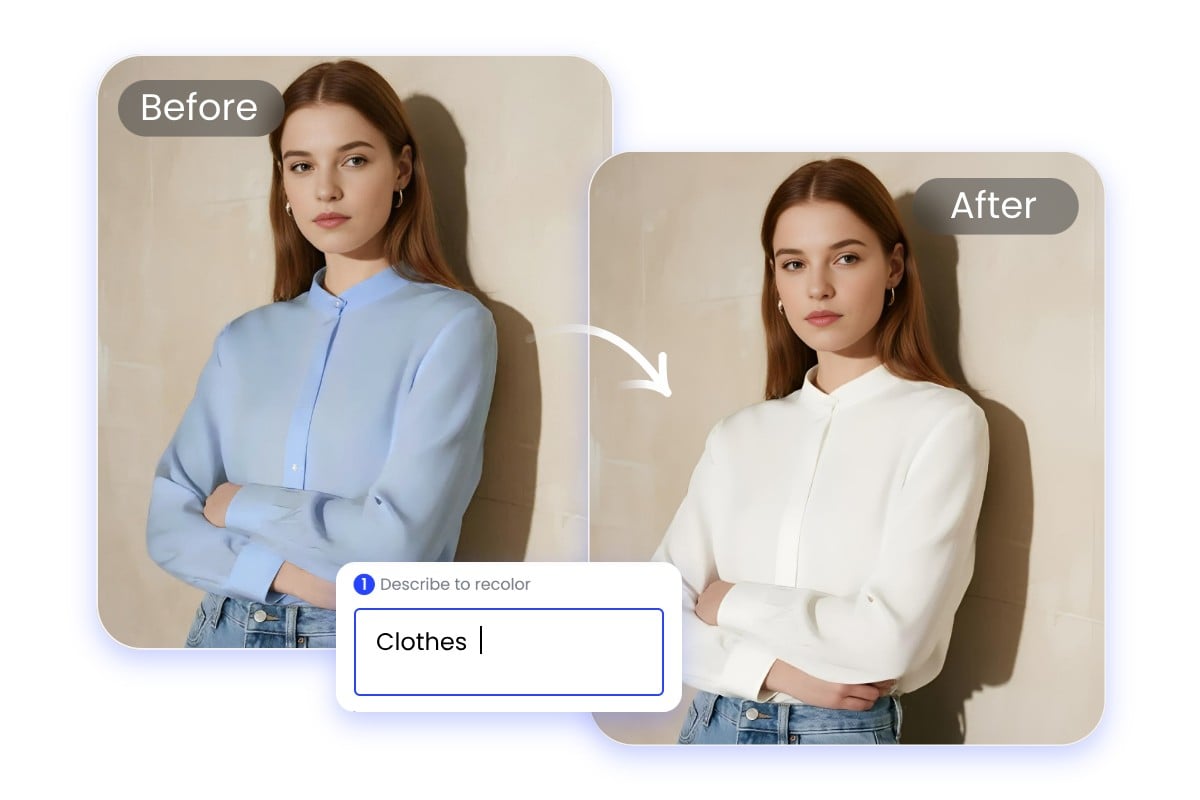
Smart Area Selection for Image Color Switch
Still manually replacing colors in your images? Use our AI color switch tool. It does more than simple image recoloring and can accurately detect and lock onto any area of your image. You only need to enter a prompt describing the part you want to change image color, such as background, hair, clothing, or nails. We have also prepared a quick area selection feature. Click on a built-in option, and the AI will automatically complete the prompt and precisely target the area to recolor. No skills required, and the operation is simple.
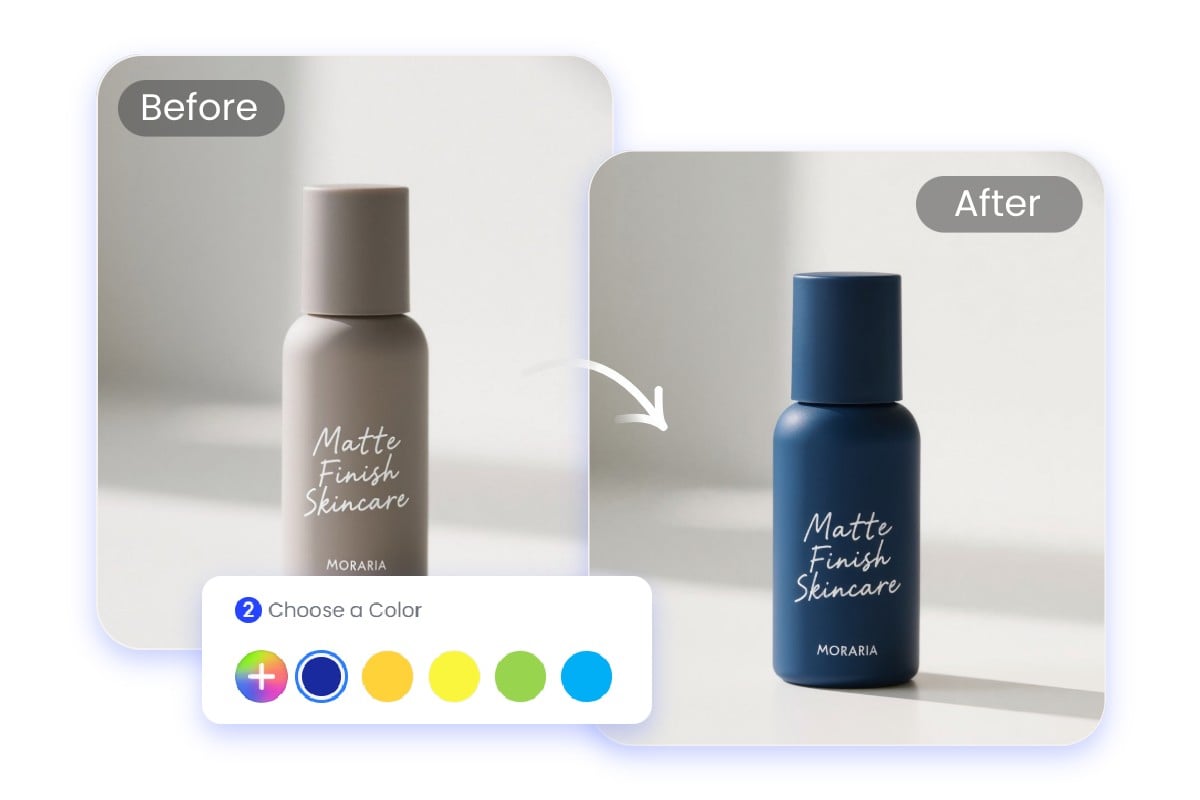
Replace Color in Image with Rich Color Options
Do you want to give your images a fresh new look? Our AI color replacer offers a wide range of color options, allowing you to directly select and replace the colors in your images. You can also pick your desired color directly from the color palette or enter color parameters. With multiple color choices, every photo can shine with a brand new appearance.
Magical AI Image Color Replacer for Portraits
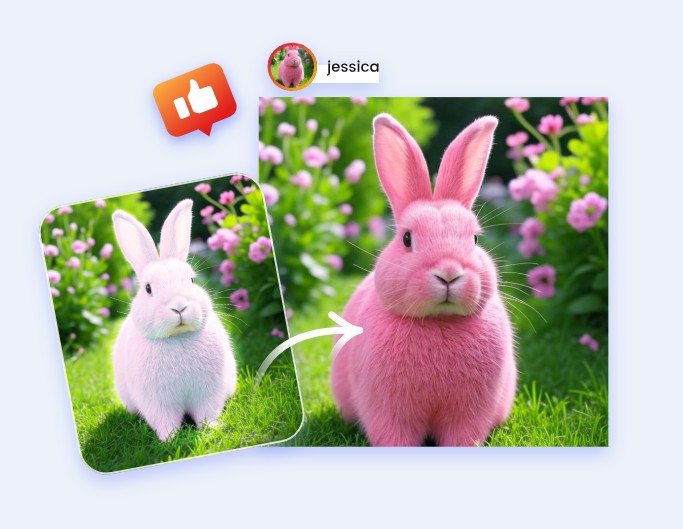
With our AI image color replacer, you can magically replace any color in your portrait photos without retaking them, making your portraits perfectly match your desired colors.
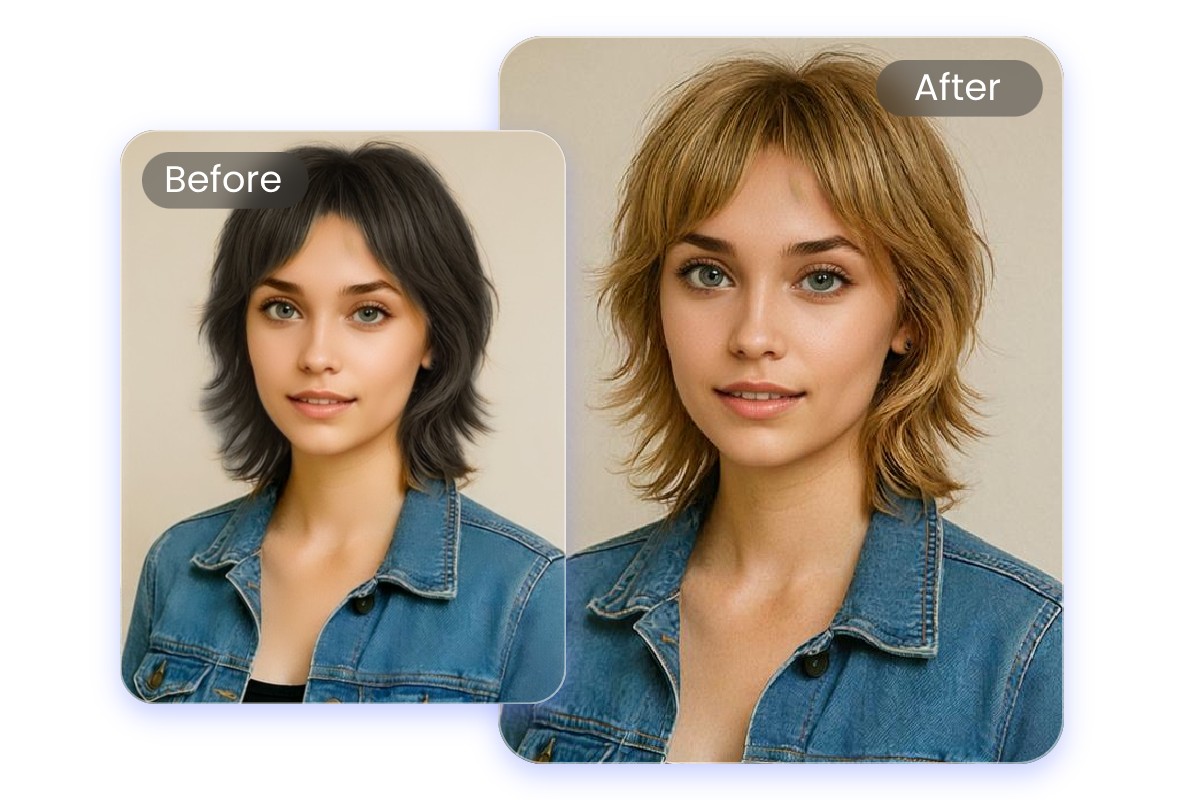
Replace Hair Color for a Fresh Look
Not happy with your hair color? With our AI hair color changer, you can quickly adjust the hair color in your portrait photos without any dyeing. Whether you want to try a new color, virtually experiment, or fix an unsatisfactory shade, our AI can accurately recolor your hair and help you find your ideal look, giving your hairstyle a fresh new charm.
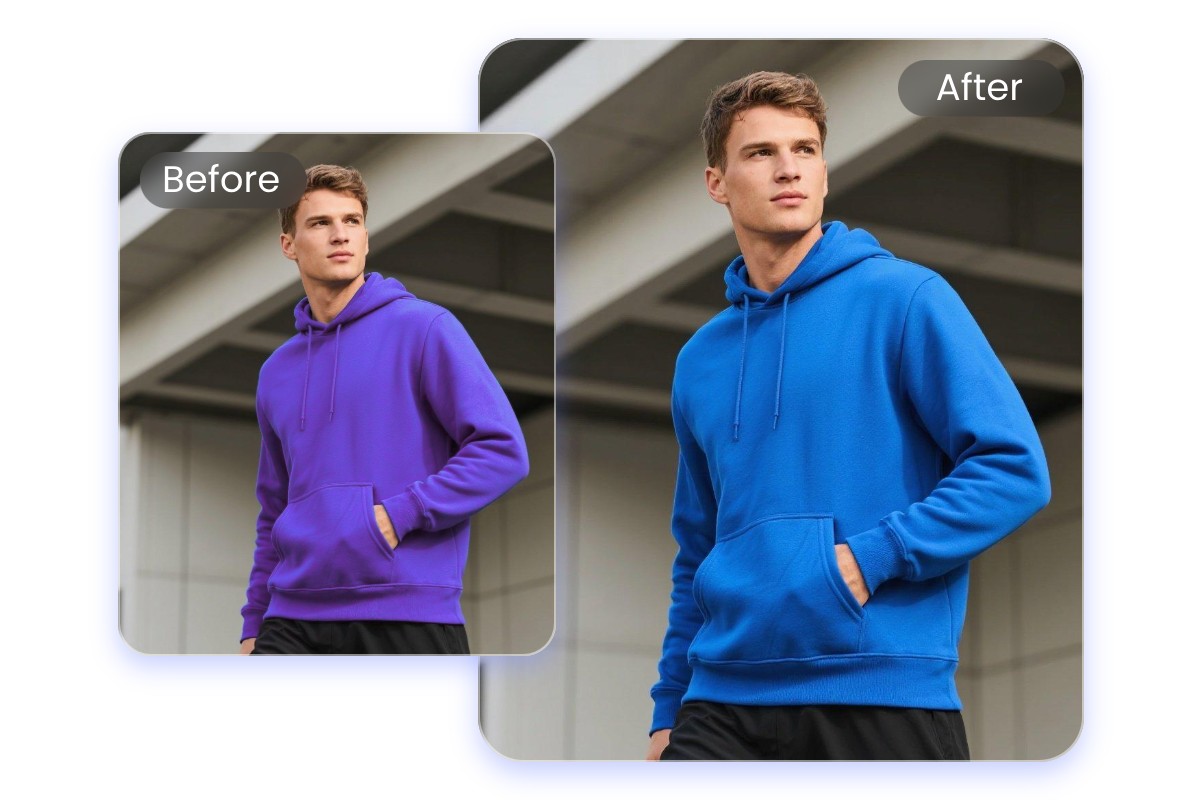
Replace Outfit Colors for Perfect Styling
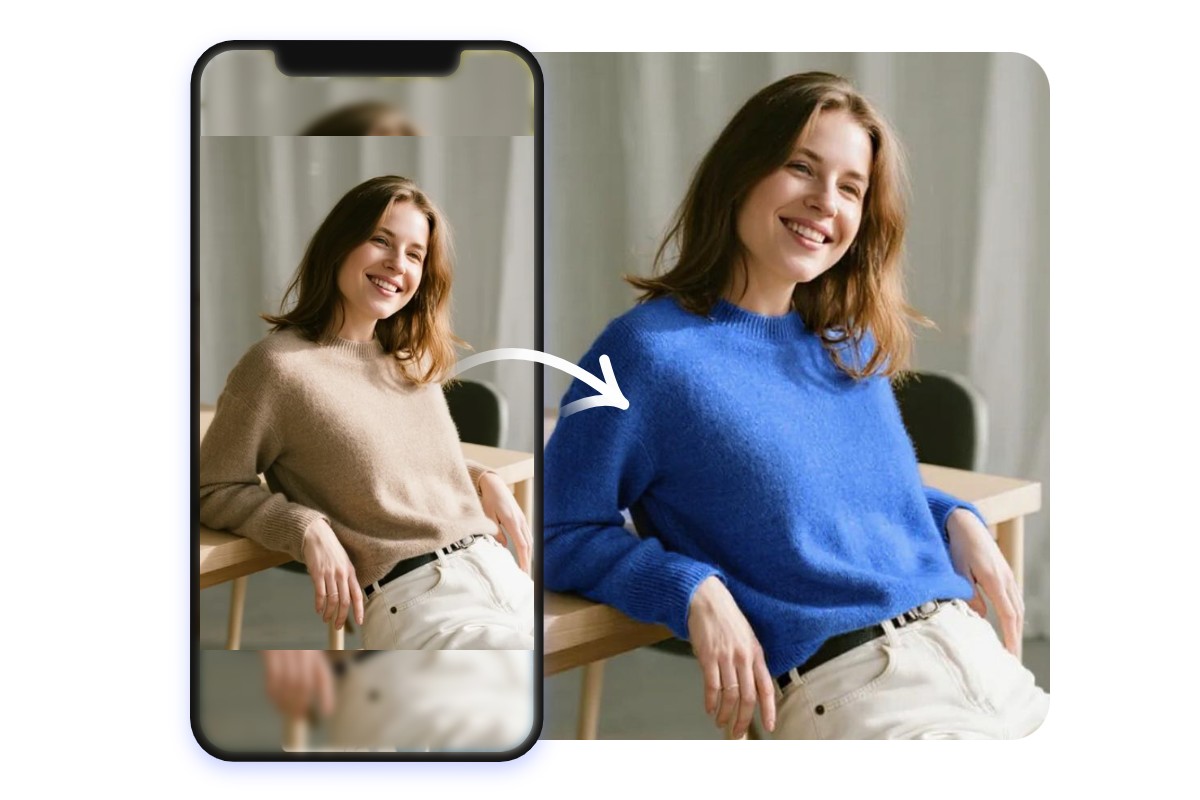
A great outfit starts with the right color combination. With our AI image color replacer, you can freely swap the color of any clothing item. Whether you are unhappy with the current color, designing new clothing, or trying on virtual outfits, our AI can easily adjust the colors, making every outfit look perfect.
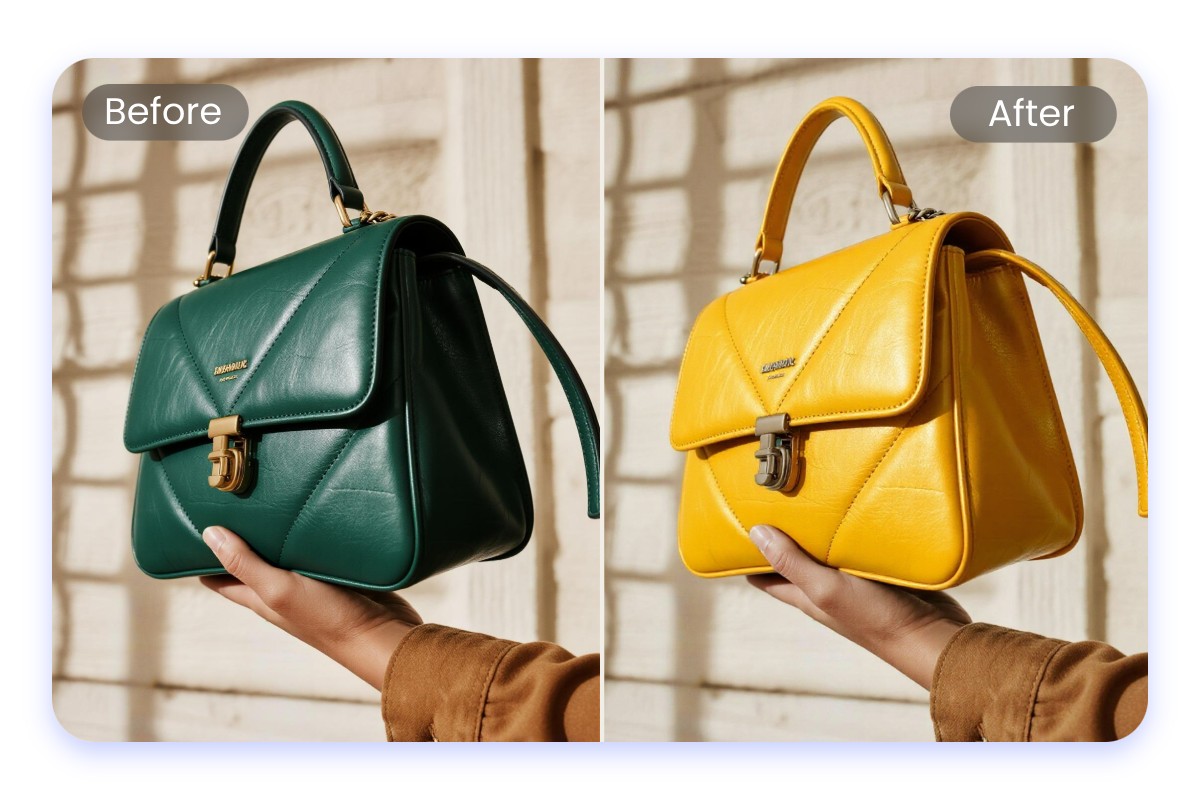
Recolor Accessories to Enhance Your Look
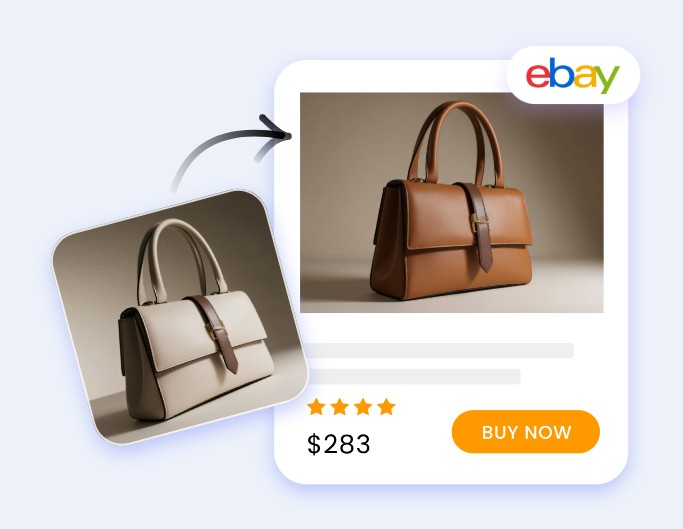
The color of accessories can also enhance your overall look. With our AI recolor tool, you can easily adjust the color of accessories in your portrait photos, including earrings, necklaces, watches, handbags, and more. Whether you want to try new combinations or design accessories in different colors, our AI can quickly recolor your accessories, ensuring each piece perfectly complements your overall style.

Recolor Other Elements in Portraits
With our AI image recolor tool, you can replace the colors of various elements in your portraits. Adjust the color of facial makeup and explore different styles with AI makeup; change skin tone, eye color, and eyebrow color; switch nail colors and try creative nail designs; or even modify tattoos and other portrait elements. With so many options, you can effortlessly make your portraits reflect your unique personality.
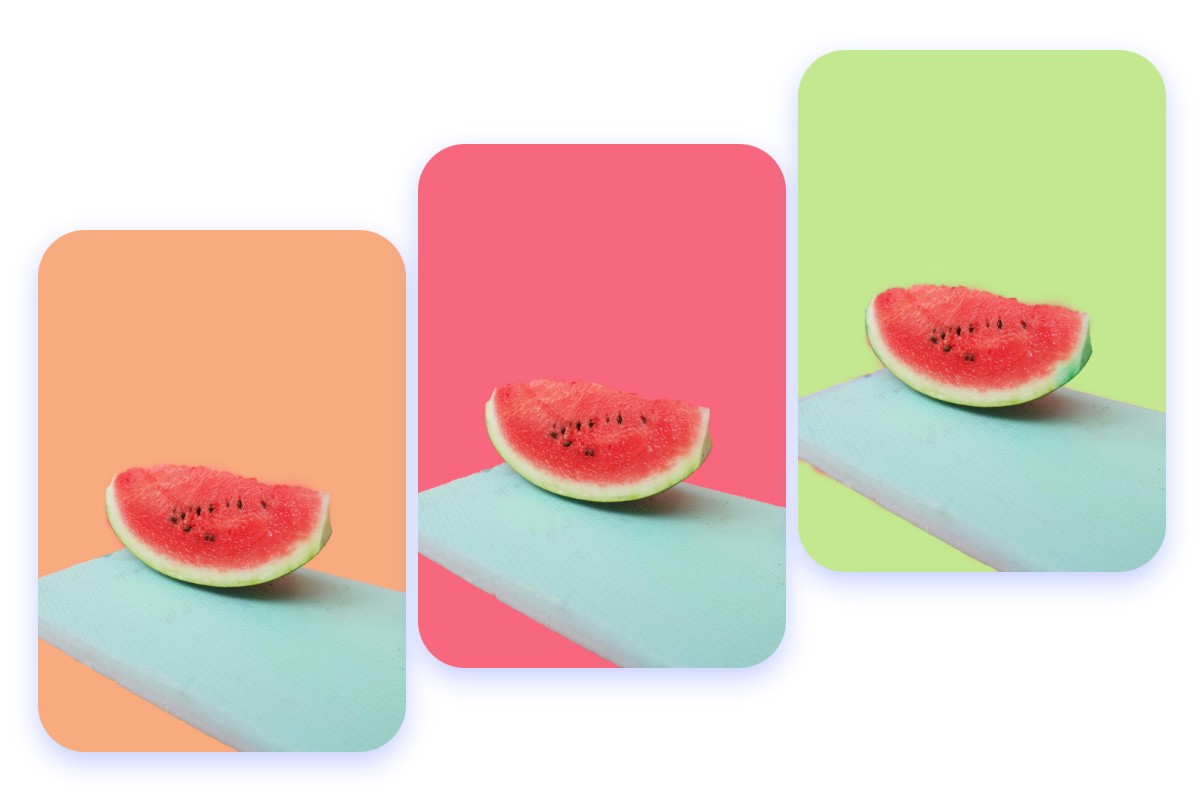
Replace Background Colors in Your Images
Background color is a crucial element of any image. With our AI color replacer, you can freely replace the background color of your images, whether it's replacing a solid color background or adjusting the hue of a real-scene background. You can also use our background remover to instantly change your image background, giving it a fresh new look that perfectly blends with the overall style.
Colorize Your Photos with AI Color Replacer
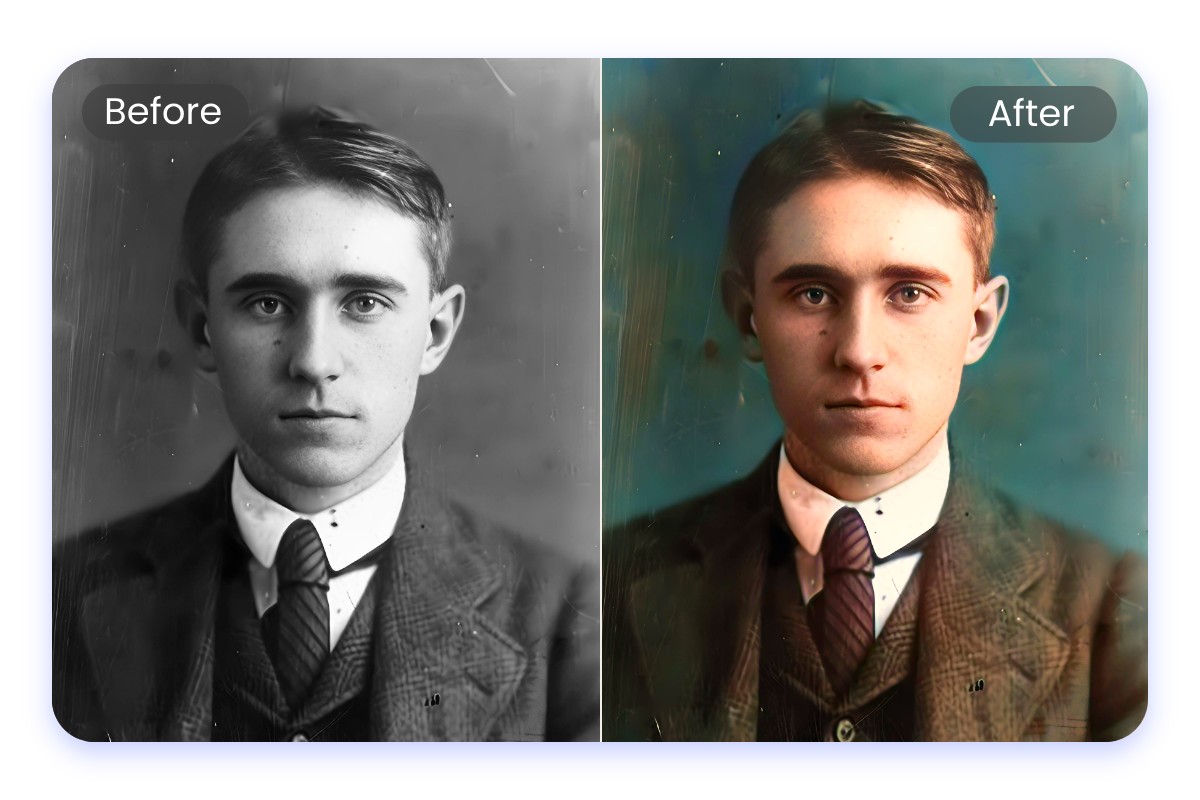
Colorize Old Photos and Restore Their Charm
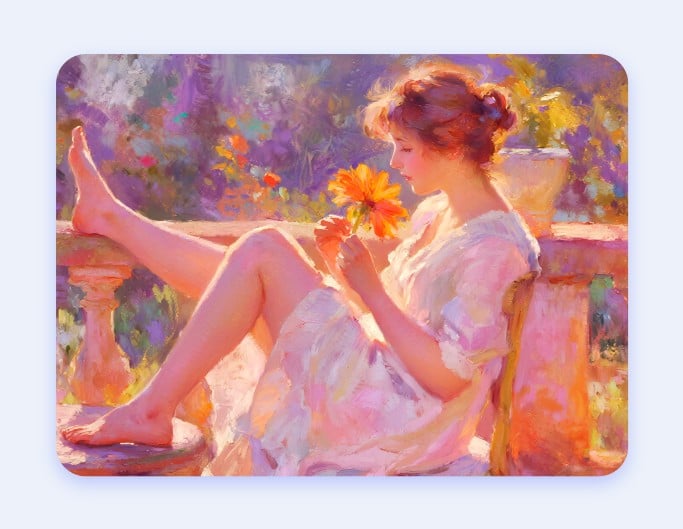
Using our AI image colorizer, you can colorize black-and-white old photos or faded old photos, restoring their original colors and details. Whether it's family photos, historical images, or even animating your old photos, each one can be brought back to life with charm.
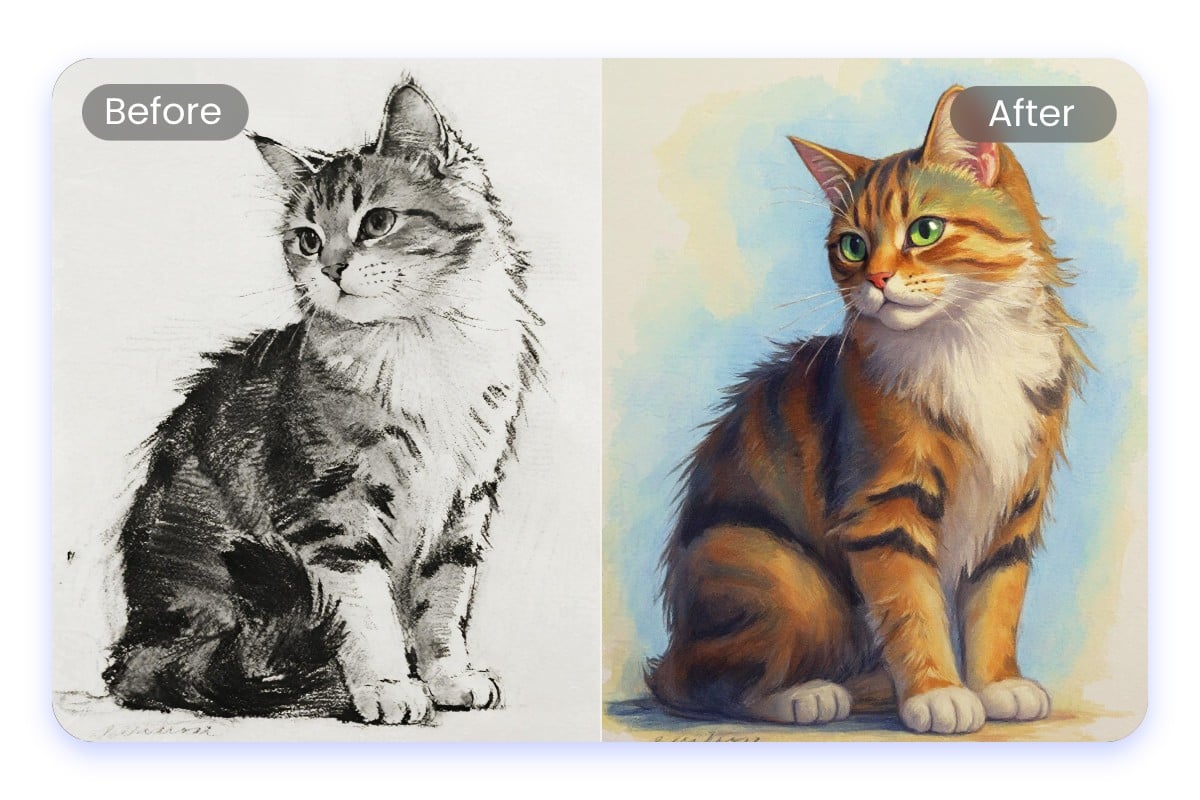
Bring Your Sketches and Drawings to Life with Color
With our AI photo colorizer, you can add color to your hand-drawn sketches and drawings. Whether it’s enhancing your sketches with color, converting sketches into images, turning your drafts into finished artwork, or digitizing your hand-drawn pieces, our AI can intelligently recognize lines and accurately apply color, bringing your creations to life.
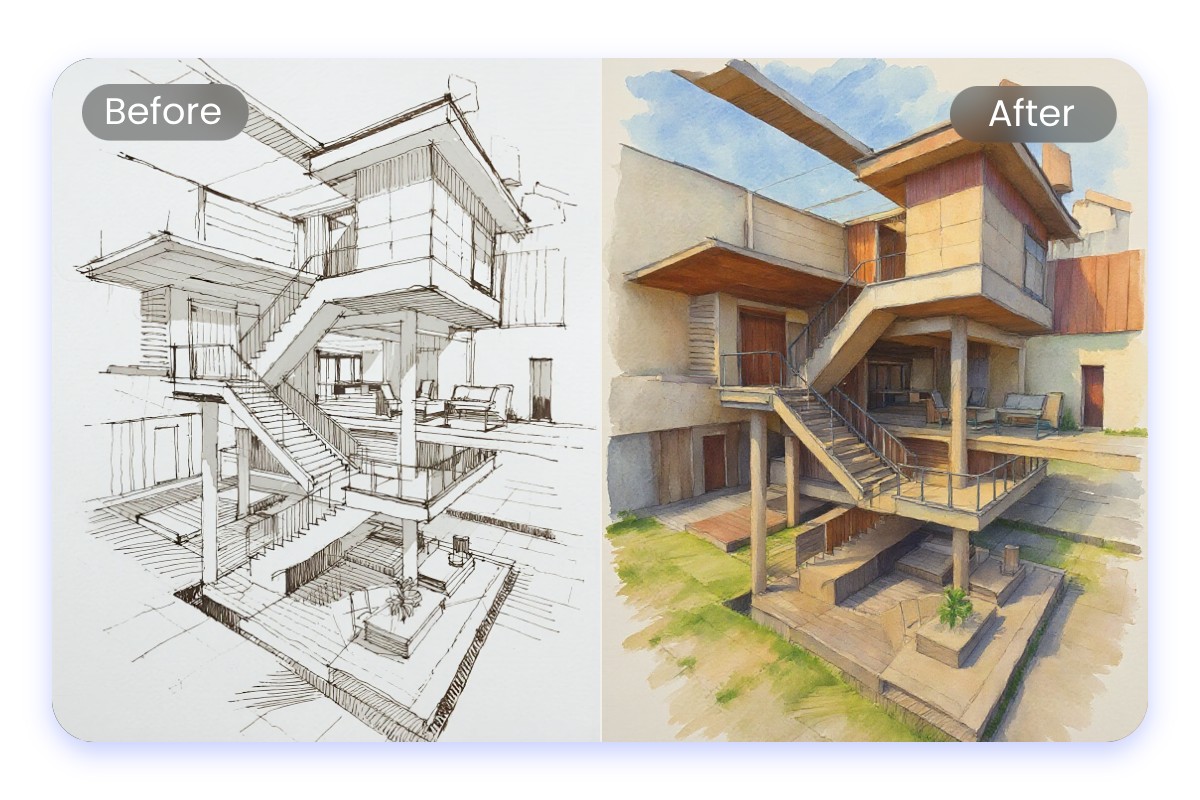
Colorize Design Drafts for Instant Preview
With our AI image colorizer, you can quickly colorize your design drafts and preview the actual effect. Whether it’s architectural drafts, UI interface designs, or graphic design projects, your creative ideas can be instantly brought to life, saving time and boosting work efficiency.
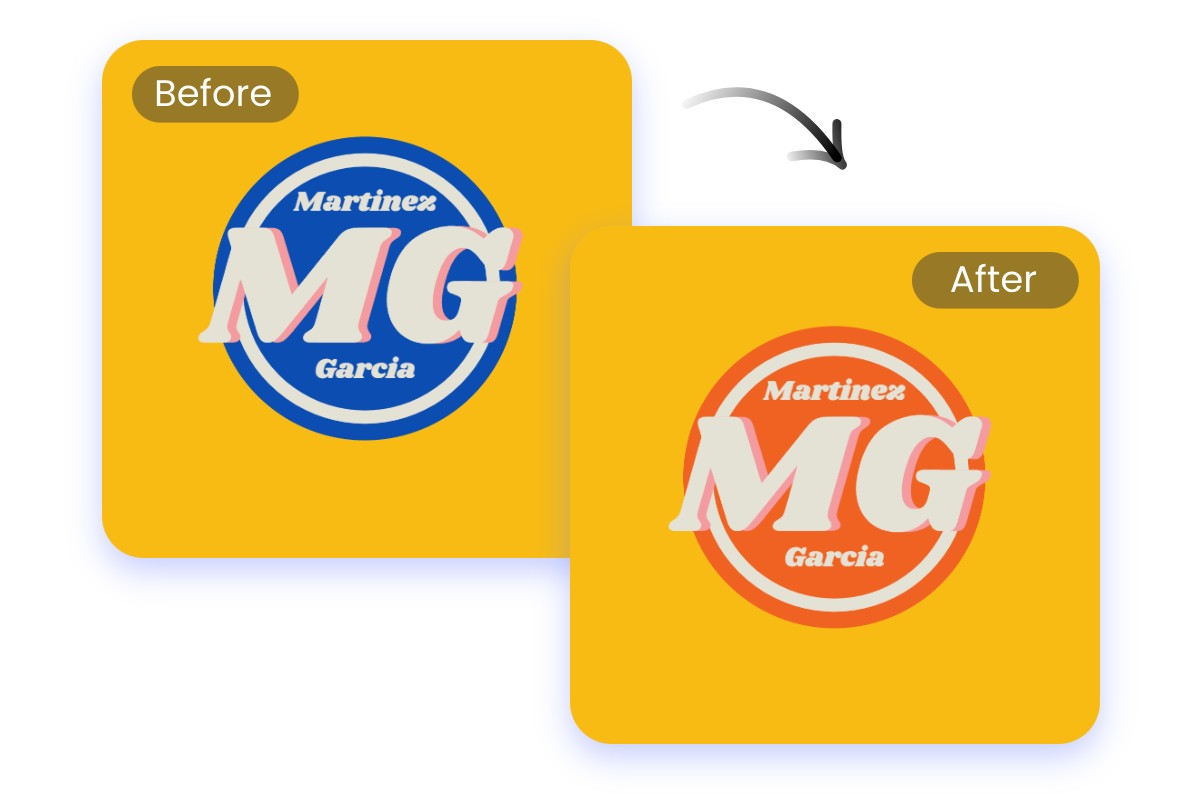
Replace Logo Color in Your Photos
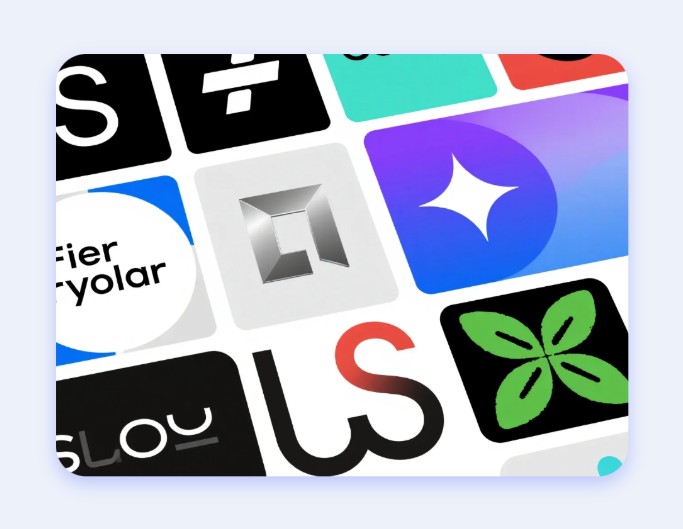
A logo is an important symbol of a brand. With our AI photo color replacer, you can freely replace the color of logos in your photos. Whether it’s the text, patterns, or design within the logo, our AI can quickly recolor and adjust it, enhancing your logo’s appeal and creativity.
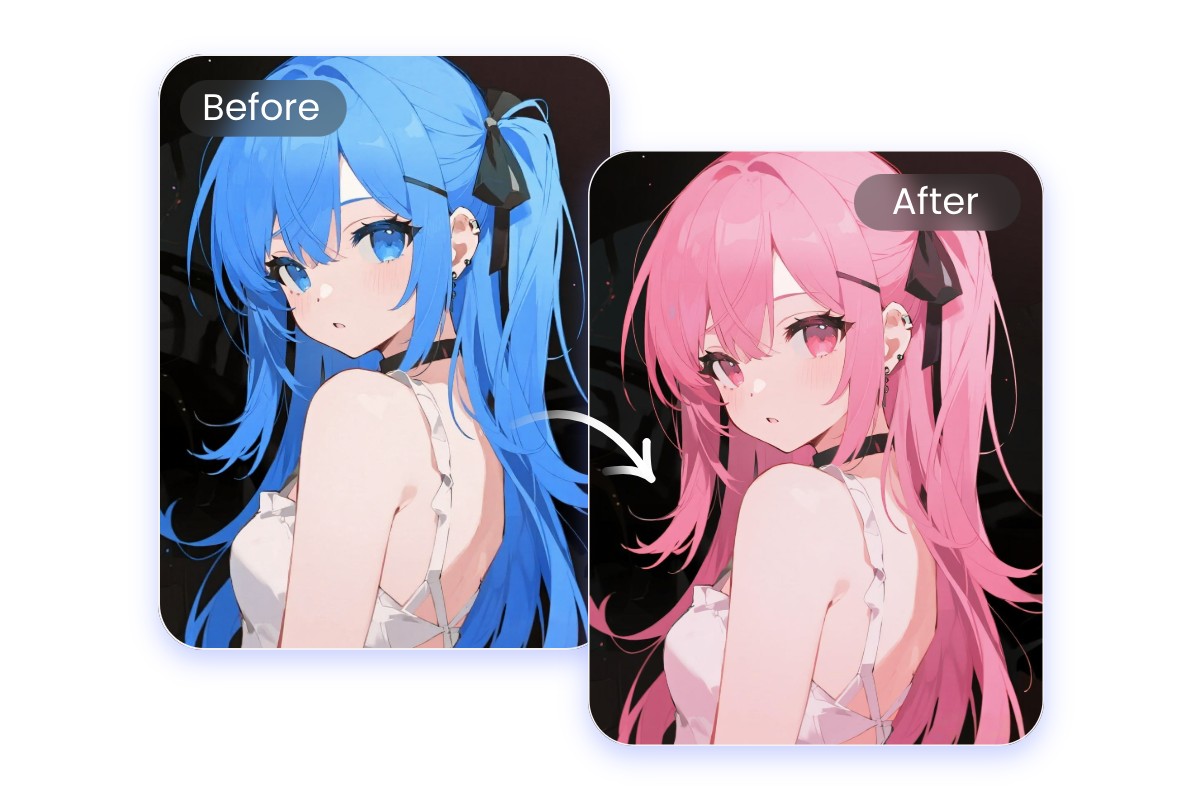
Switch Colors in Anime Art with AI
Editing anime images often takes a lot of time. With our AI picture color replacer, you can freely replace the colors in your anime images. Whether it’s character design, scene colors, or clothing, our AI can accurately adjust them for you, eliminating the tedious process of repeated edits and allowing your anime artwork to be realized quickly.
Powerful AI Image Colorizer for Any Purpose
Replace Colors in Photos on Mobile App
You can not only use our AI color swapper directly in your browser, but also replace image colors anytime, anywhere through our mobile app, making color switches even more convenient.
Why Choose Our Free AI Color Replace Tool?

Powerful AI Tool
Our color replacement tool is powered by advanced AI, allowing you to quickly replace colors in your photos with just a few clicks.

Quality Preserved
Replace the colors in your images without any loss of quality, and download in high-quality JPG or PNG formats.

No Watermarks
Enjoy a clean and seamless color-changing experience with no watermarks throughout the entire process.